Help Center › Khata
Receive a khata payment
When a customer pays their khata, record it so the balance stays right.
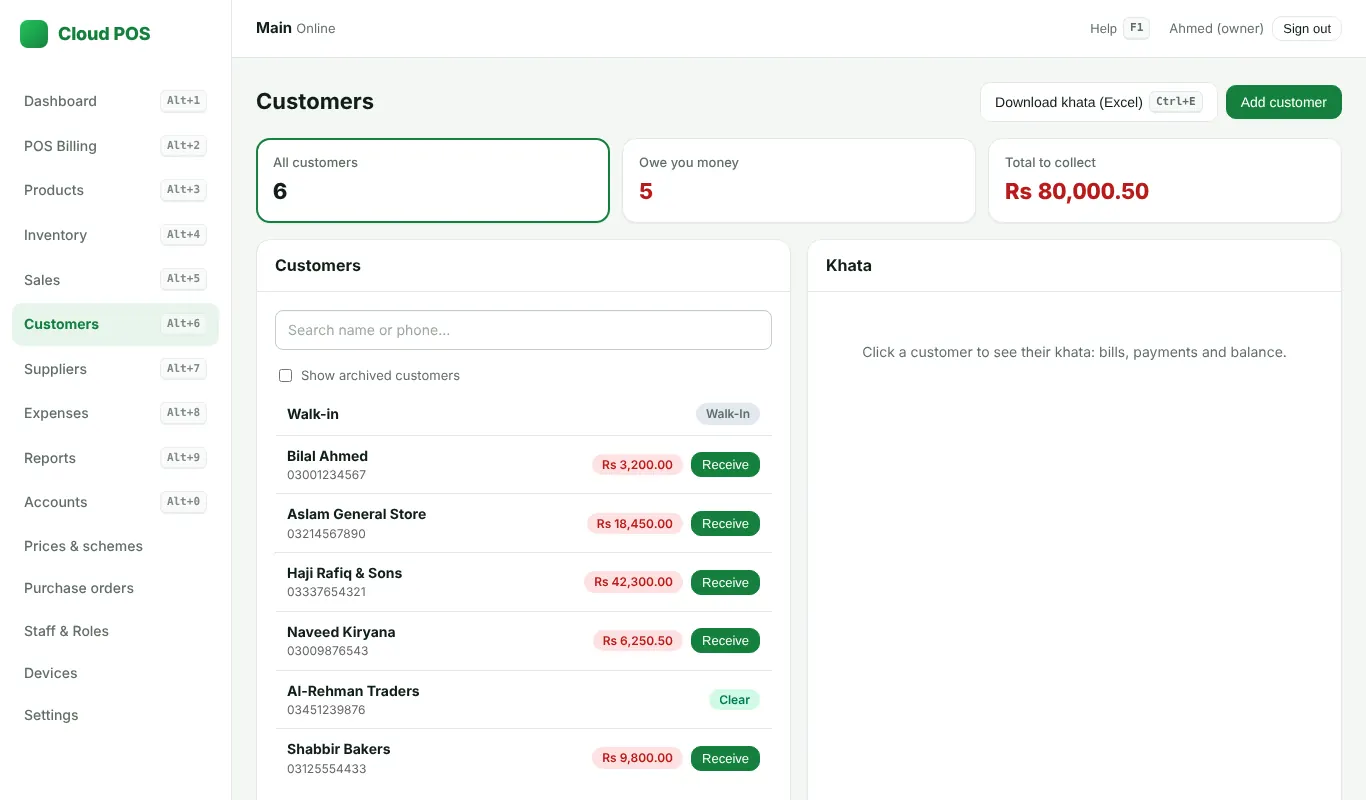
Steps
- Open Customers and click the customer (or click Receive next to them).
- Click Receive payment, type the amount and how it was paid, then Save.
- The ledger shows every bill and payment, with the balance after each one.
Who owes money
- The top of Customers shows how many owe money and the total to collect.
- Ctrl + E: download the khata as Excel: who owes, then who paid in advance.
- Distributors: Reports → Recovery sheet prints the list by area. See Load form and recovery sheet.
Still stuck? Ask us on WhatsApp: we reply quickly.
Updated 25 October 2026