Help Center › Products and stock
Add products and stock
Every product has a sale price and a cost price, so profit is worked out on every bill.
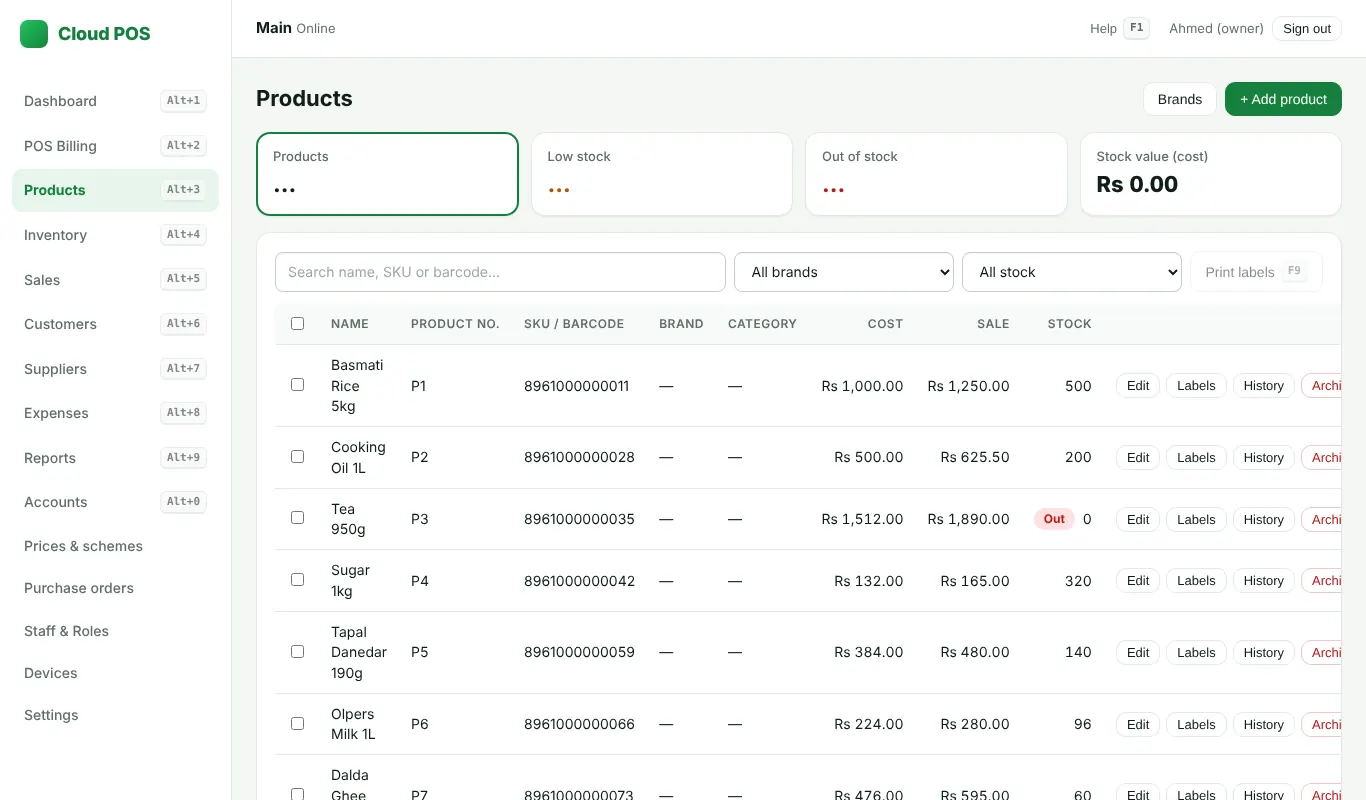
Add a product
Products → Add product: name, sale price, cost price, and a barcode (optional). Distributors can also set the carton and box size, so bills and the load form show cartons, boxes and pieces.
New stock from a supplier
Inventory → Receive stock: pick the products and quantities, then Receive stock.
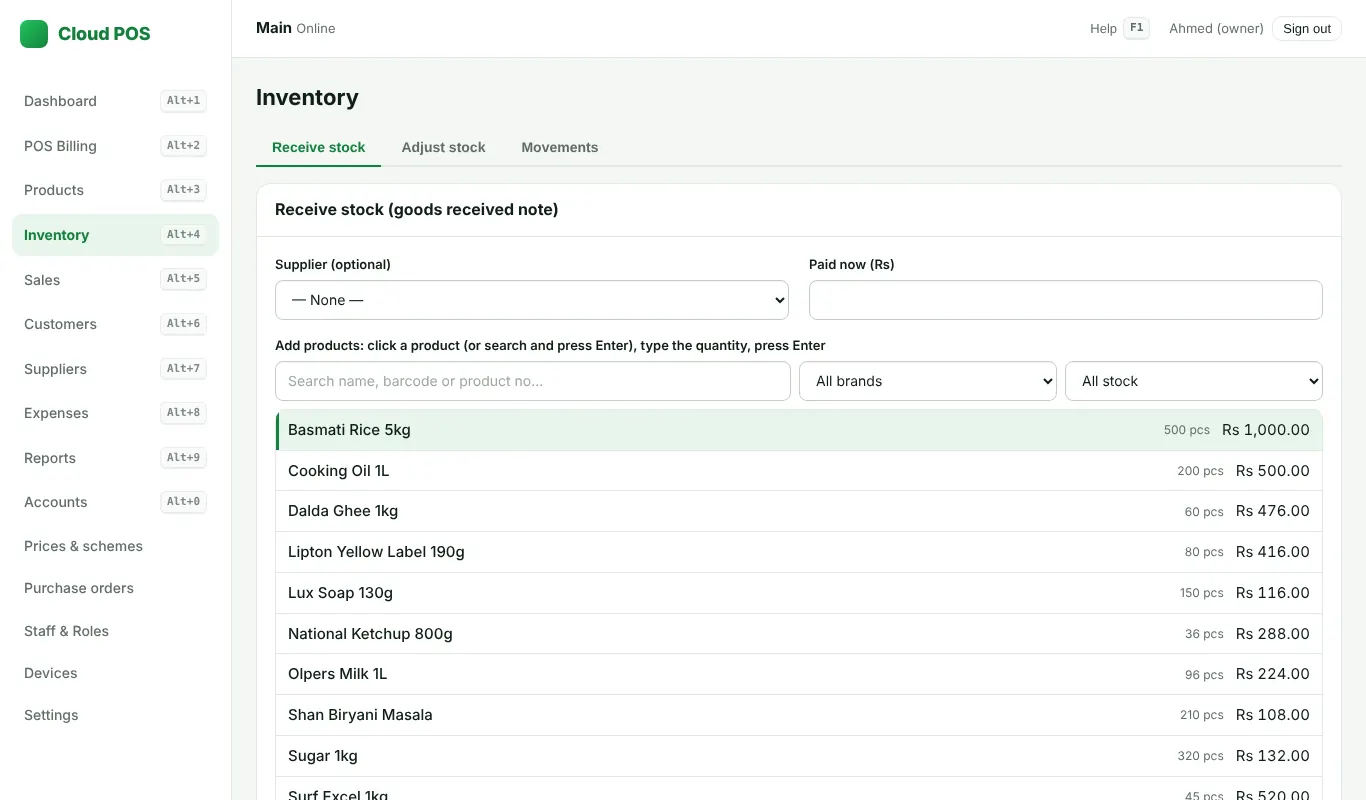
Damaged, expired or counted stock
Inventory → Adjust stock, with a reason. Every change is kept as a stock record, so you can always see why stock went up or down.
Many products at once
See Import from Excel, BUSY or Pro POS.
Still stuck? Ask us on WhatsApp: we reply quickly.
Updated 25 October 2026